Voice and 18 Languages
Patients and physicians can dictate instead of typing and have AVA’s answers read aloud. The interface runs in 18 languages, Arabic, Urdu and Hebrew right to left.
A patient describes the problem in a guided intake. A physician reads everything, decides every field of the record and talks with the patient by end-to-end encrypted video. AVA helps both sides, as decision support only.
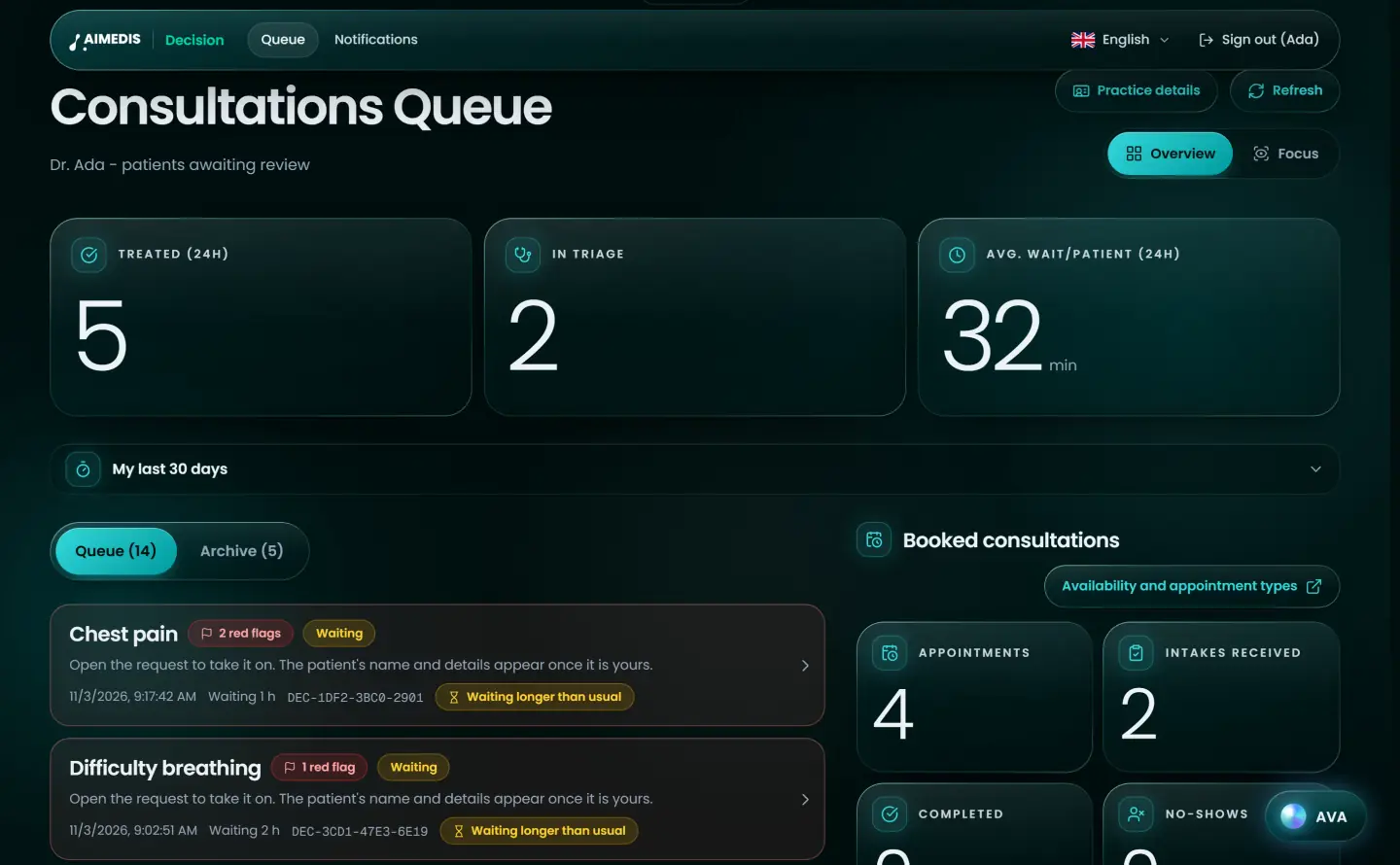

The physician’s queue opens with AVA’s desk: how many requests are waiting, which ones show warning signs, which consultations are booked, and a prompt bar for medical questions.
In a case, AVA summarises the intake without the patient’s name or contact details, answers clinical questions from the Aimedis Wiki, Aimedis Decision’s own knowledge base and PubMed with sources, and can put a draft into the notes for the physician to edit. For patients, AVA explains the care plan in their own language.
Summarise this case for me.
From the intake, without name or contact details:
Decision support only. The physician decides every field of the record.
AVA can suggest an urgency, a level of care and a specialty, and can propose ICD-10 codes as a starting point. The physician sees everything the patient entered, chooses each field and can add ICD-10 codes by search.
The record holds only what the physician decided. AVA’s suggestion is kept beside it, as a note of where it came from. If AVA is not available, Aimedis Decision shows the key facts from the intake instead of a level of care.
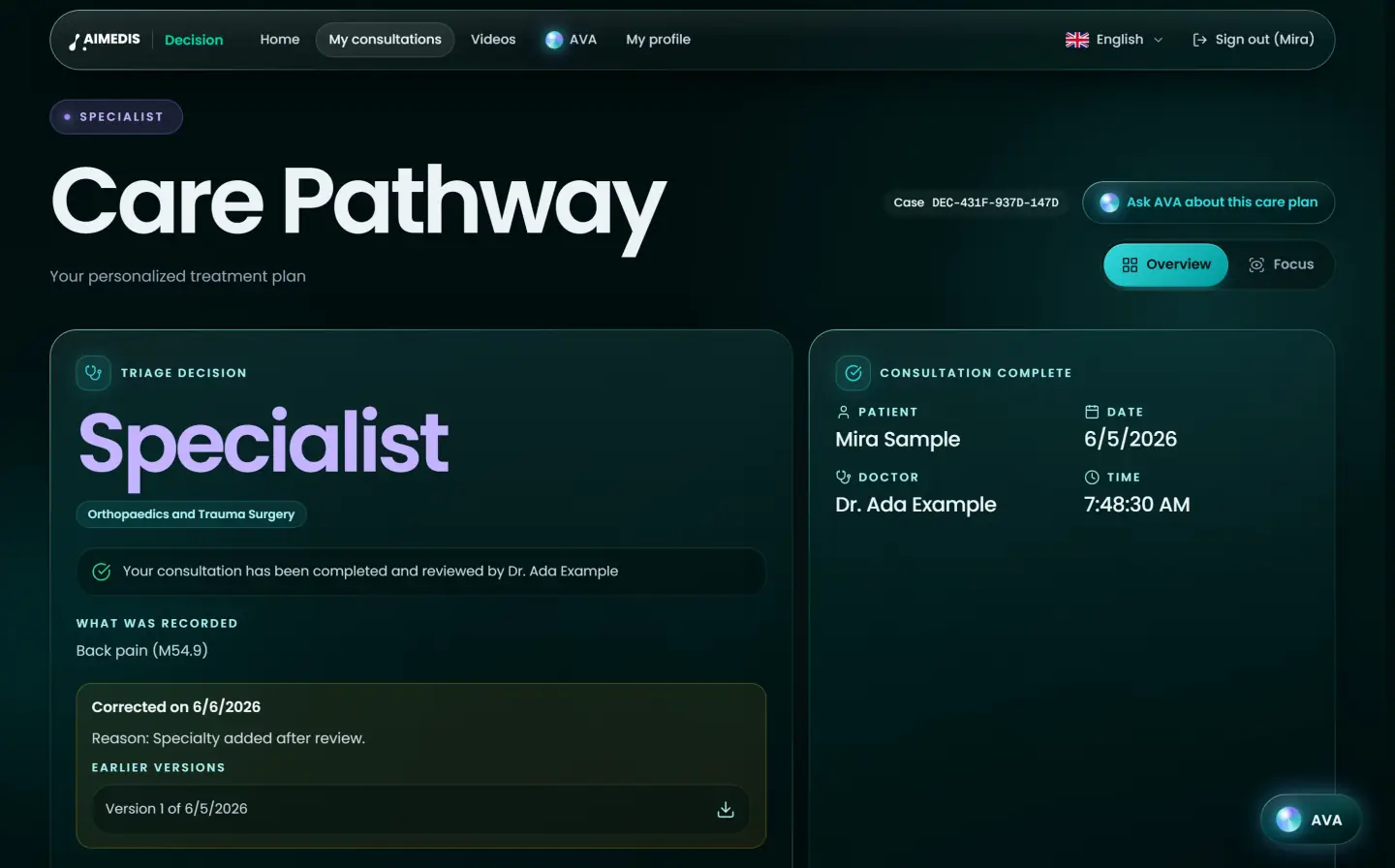
Five levels of care, chosen by the physician
Home care
Self-care guidance with clear signs for when to seek help.
General practitioner
A routine appointment covers it; no urgency signals found.
Specialist
A referral to the right specialty.
Emergency room
Same-day hospital evaluation is warranted.
Ambulance
Warning signs: call the emergency number now.
Patients and physicians can dictate instead of typing and have AVA’s answers read aloud. The interface runs in 18 languages, Arabic, Urdu and Hebrew right to left.
AVA answers from the Aimedis Wiki, Aimedis Decision’s own knowledge base and PubMed, and shows where each answer comes from.
Patients see their place in the queue and can add photos or documents while they wait. Physicians get a signal when a new request arrives.
Calls run on Aimedis’ own video server with a fresh key for every meeting, with screen sharing, background blur, a 4K detail mode and still photos from the patient’s camera. Zoom is only a fallback for a single call, with the patient’s consent.
The patient receives the care plan as a PDF, stored with a checksum, and can ask AVA to explain it in their own language.
Sensitive actions are logged with who, what and when. Each decision is saved as a new, hash-chained version, and a completed case is corrected with an addendum, never overwritten.
With the Aimedis account you already use, or a new one, with explicit consent.
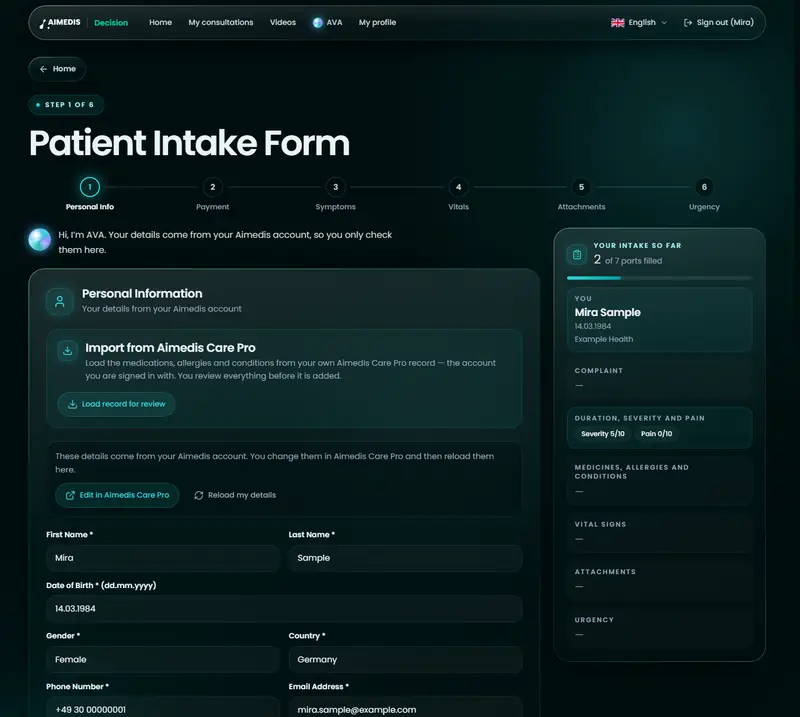
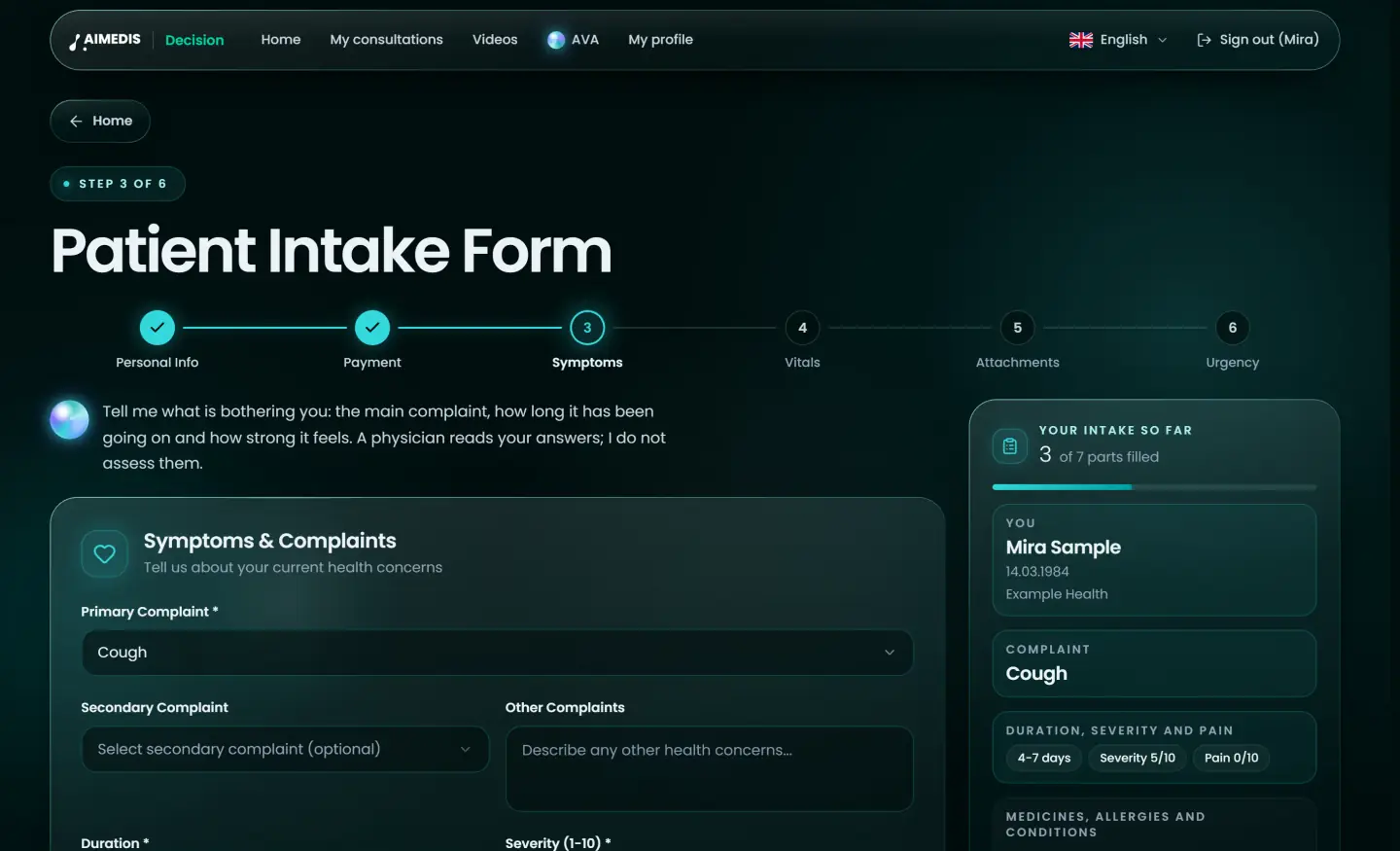
Personal details, symptoms with a pain scale, vitals, documents and warning signs. Medicines, allergies and conditions can be imported from Aimedis Care.
See your place in the queue until the physician is ready.
The physician reviews everything, decides and talks with you by end-to-end encrypted video.
Download your care plan. AVA explains it in your language.
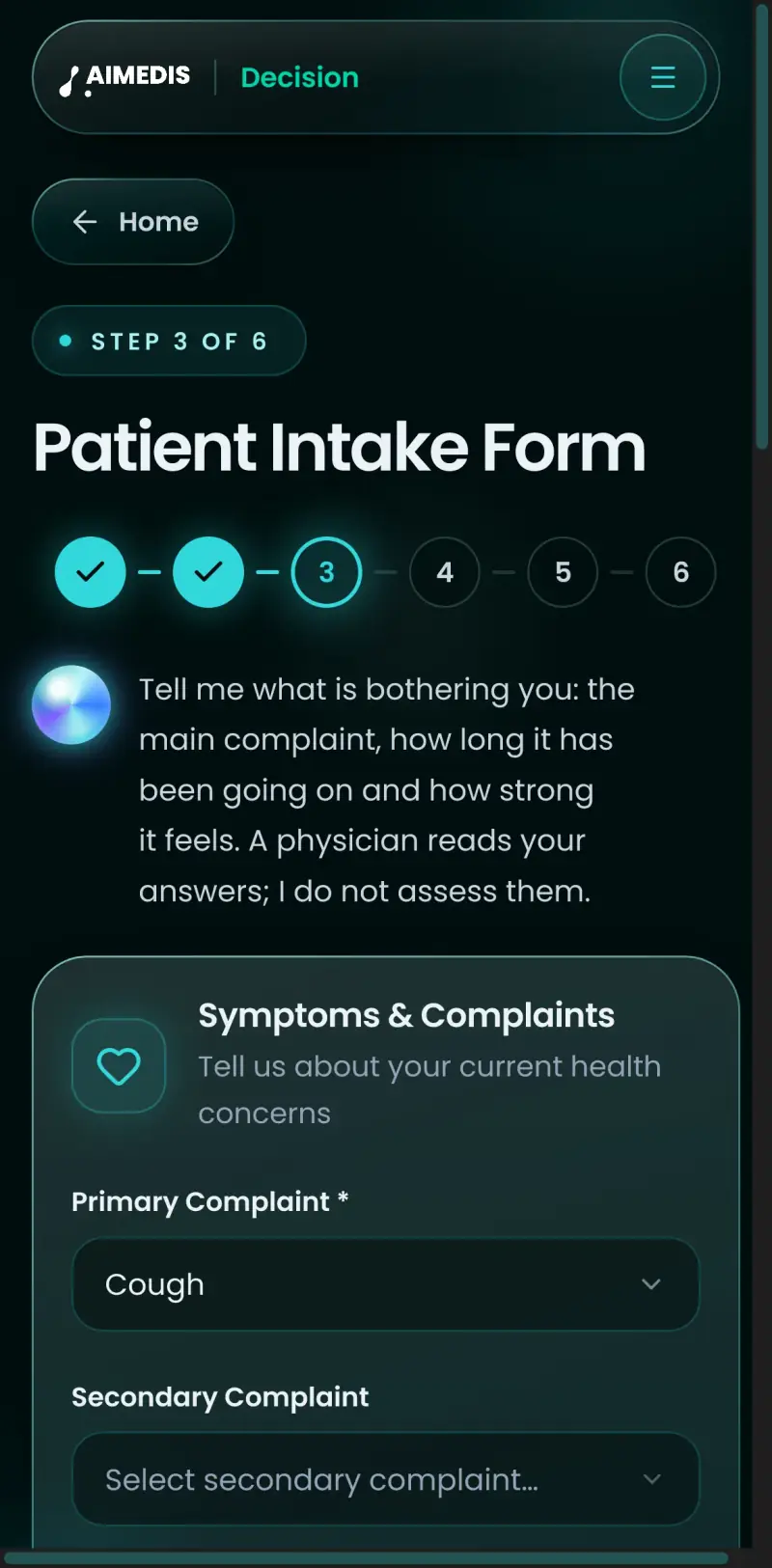
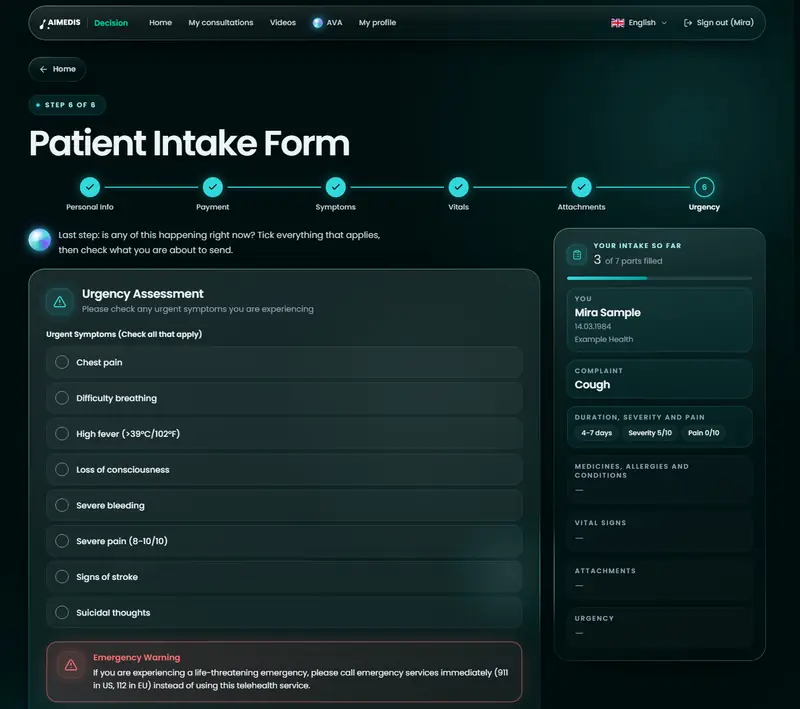
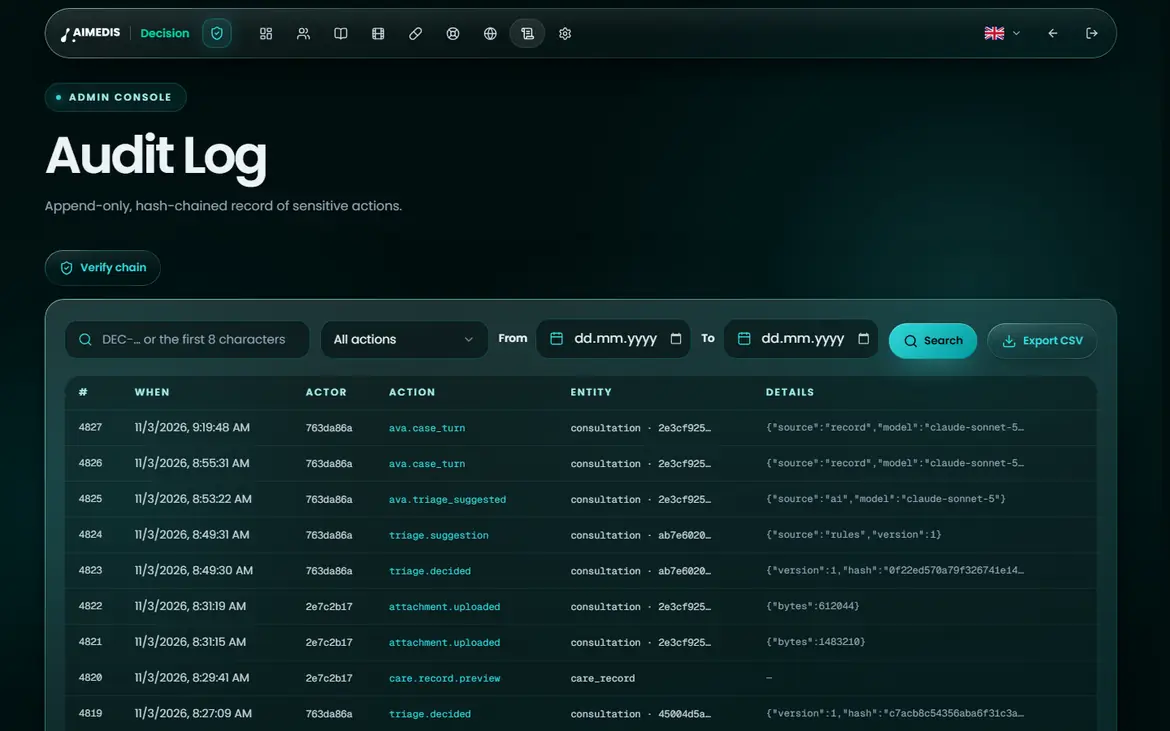
AIM-XXXXXXXXXX
Aimedis Decision uses the same Aimedis account as Aimedis Care, Aimedis Pro, Aimedis Booking, Aimedis Onboard, Aimedis Connect and Aimedis Support. Patients sign in once; physicians come from Aimedis Pro, where their license was checked.
Record access still starts with the patient: medicines, allergies and conditions come in from Aimedis Care only when the patient imports them, and the patient reviews them first.
Patients and physicians sign in with the Aimedis account they already use in the other Aimedis apps.
Only professionals whose license an Aimedis administrator has checked in Aimedis Pro can take cases.
An Aimedis Decision appointment on the Today agenda in Aimedis Pro opens the case directly.
One account across
Explicit consent, data export and erasure (GDPR Articles 9, 15 and 17) are features of the product, not paperwork.
End-to-end encrypted on Aimedis’ own server. A Zoom fallback is used only with the patient’s consent and is not end-to-end encrypted by Aimedis.
The record holds only what the physician decided. AVA’s suggestion is kept apart, as a note of where it came from.
A completed case is never overwritten. Corrections are added as addenda.
Create one account for seven Aimedis apps, with AVA at your side. In your language, with your consent.